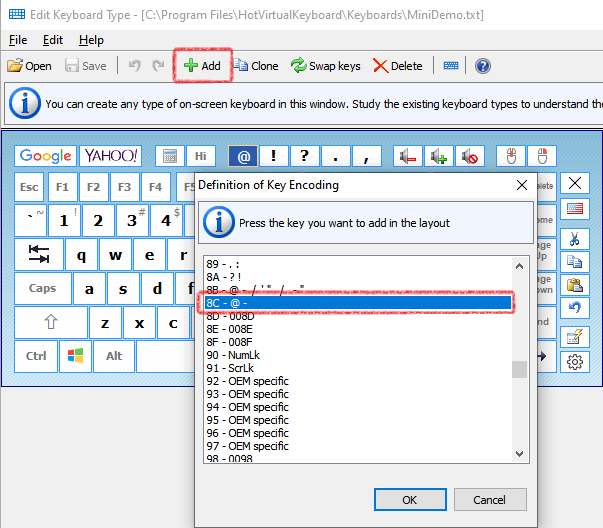
How to set the parameters of the program so that we can just copy the key layout and all settings into a new system


1. Copy folder HotVirtualKeyboard from Program Files.
2. Copy section HKEY_CURRENT_USER\Software\ComfortSoftware\hvk from the registry.

Latest Version

Version:
Release:
File Size:
Price:
5.1
June 18, 2010
3.51 MB
$29.95
DOWNLOADBUY

Screenshots

  • Virtual Ergonomic Keyboard
  • Virtual Keyboard For Ultra Mobile PC
  • Demo Laptop Keyboard
  • Diamond Touchscreen Keyboard
  • Circles Touch-Screen Keyboard
  • Multimedia Touchmonitor Keyboard
  • Tablet PC Keyboard
  • System Screen Keyboard

Subscribe to News

Fill out your e-mail address
to receive our newsletter

Subscribe Unsubscribe

More info

Supported Operating Systems:

Windows 2000
Windows XP
Windows Server 2003
Windows Vista
Windows Server 2008
Windows 7 (32/64)

Compatible with Windows 7


Softpedia Clean Award


Hot Virtual Keyboard Blog


Press-kit